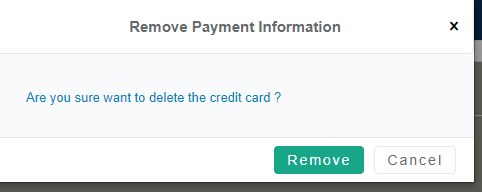
Removing a Credit Card
To remove a card from the auto-pay feature, or to remove an existing card to use another card, please follow these steps below.
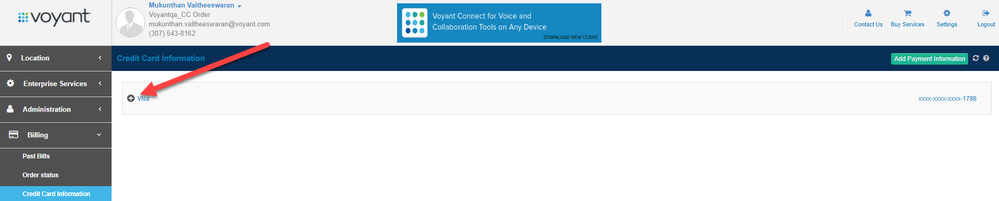
- To remove a card from auto-pay, open the credit card by selecting the + symbol next to the card.
2. The screen will expand and show a Remove button. The system will ask you to confirm this action.